Test play
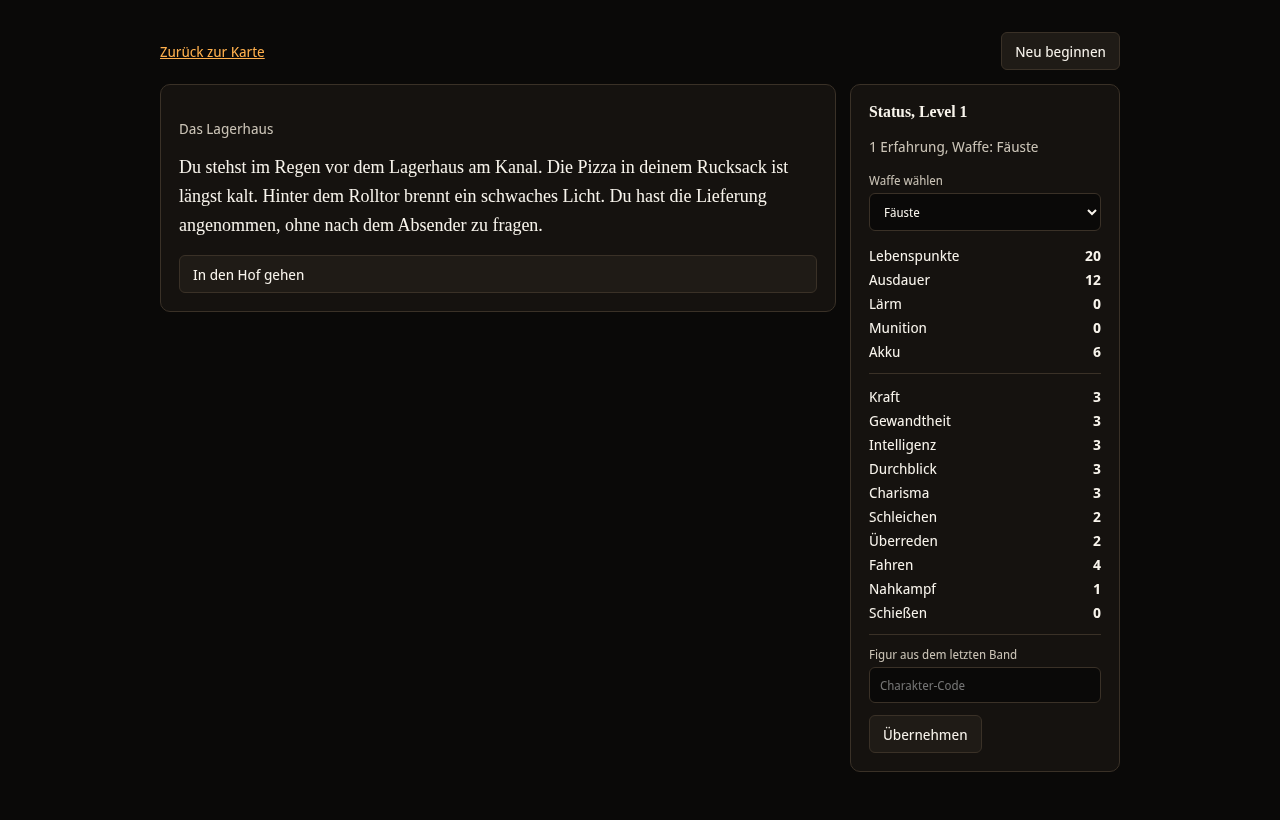
In the test play you play your volume through on screen, just as your reader experiences it.
Starting the test play
In the editor, select Start test play. The test play begins at the start section. It does not change your volume and costs no credits. The Spielbuchschmiede draws the random numbers itself. With Back to the map you return to the editor.
The test play has two areas. On the left is the section with the text and the choices. On the right is the Status card.
Sections and choices
Below the text the choices appear as buttons. A click leads to the next section. A choice with the addition (dice check) is decided by a random number. The Spielbuchschmiede then takes you straight to the section that matches the result. Above the text of the new section it says what was rolled, for example: "Random number 4, total 9, target 8: success." Choices whose condition is not met do not appear.
A section without an exit shows the message There is no way forward here. Validation should report this. Then open the validation.
Combats
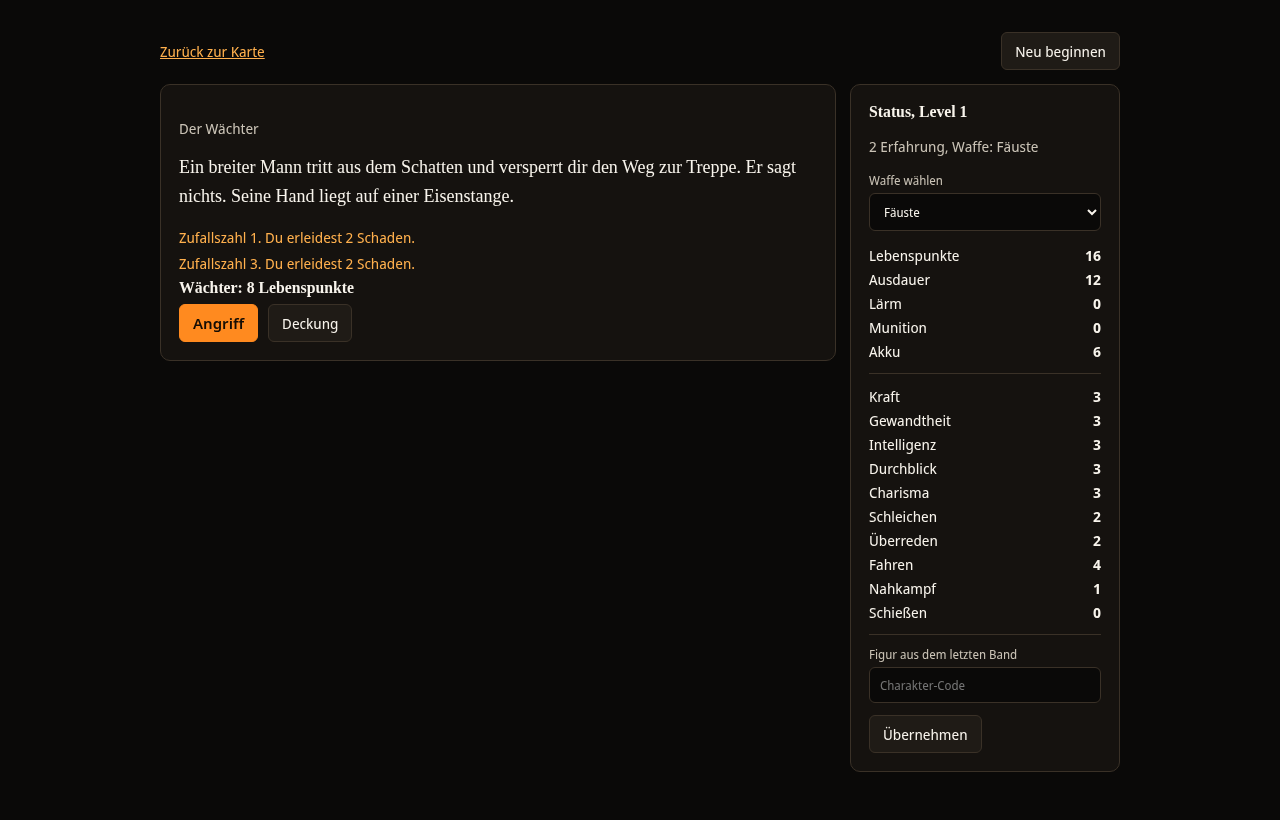
In a combat, the opponent with their health points is shown below the text, together with the buttons Attack, Cover and, if a section is set for escape, Escape. After every round there is a line with the random number and what happened, for example: "Random number 3. You take 2 damage." The rules of combat are described under Rules and random table from 0 to 9.
The status
The Status card shows the stats of your character. At the top are the level with the experience and the weapon. With Choose weapon you swap the weapon. Below are first the statuses, for example health points, and then the attributes and skills. Items and scars appear below as soon as your character has some. When the level rises, you can distribute points to attributes. A + then appears next to each stat.
If your volume has a group, the top of the status shows a button for each member with the name and the health points. With a click you switch to this member.
Starting again and carrying over a character
- Start again resets the test play to the beginning.
- At the end of a story the test play shows Good ending or Ending and a Character code for the next volume. With this code the same character starts in the next volume.
- In the field Character from the last volume you enter a code and select Apply. If the code does not fit, you see This code is invalid. Otherwise you see Character applied.